


Customer Portal
Give customers a hub where they can pay invoices, approve quotes, view inspection reports, and more.

.png)


Stop chasing approvals and checks
Unpaid invoices, unsigned quotes, and unapproved services sit front and center the moment your customer logs in. They can approve a quote, pay an invoice, and more in a couple of clicks.
.png)
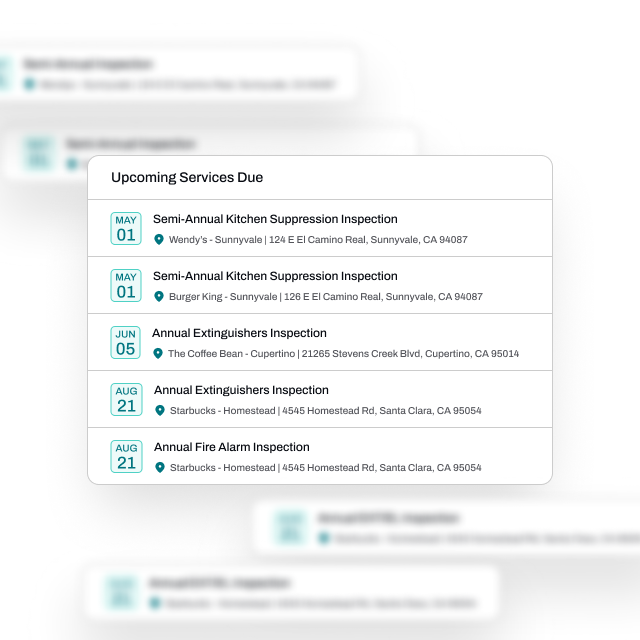
Everyone knows what's next
Customers see every upcoming inspection and scheduled job across every location they manage.
Reports at their fingertips
Every past service lives in the portal with the full inspection report attached, if applicable. When the AHJ or an insurer asks for documentation, your customer pulls it up themselves - cutting down on emails and phone calls.
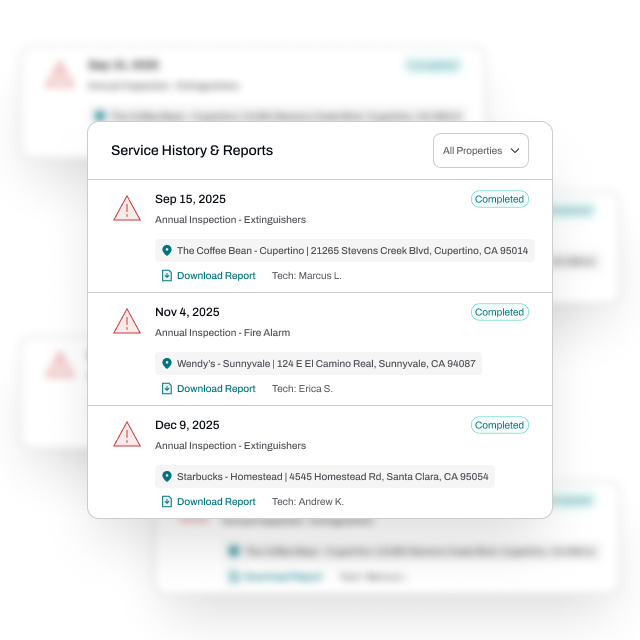
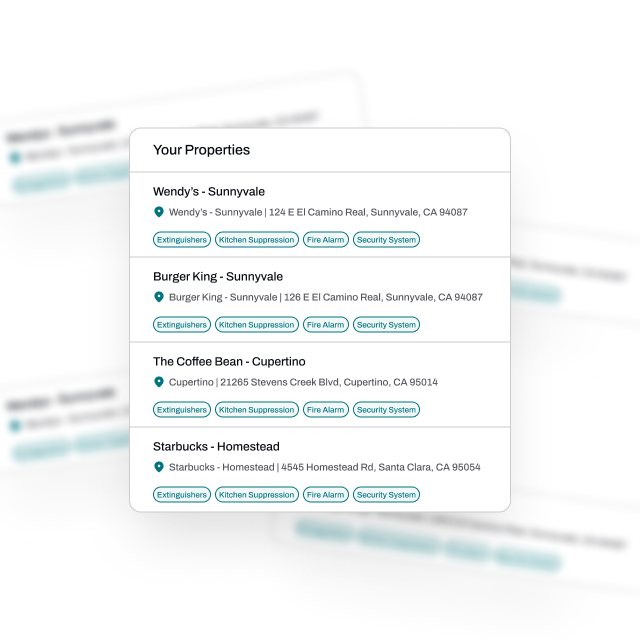
Easy for multi-site customers
Property managers, facilities teams, and franchise operators can see all the relevant information across their sites at a glance - so customers big and small can stay organized.
FAQs
Got questions? We've got answers.
No. Customers - enabled with customer portal access - can login using a magic link that gets sent to their email address.
Yes. Your logo, colors, and company name appear throughout. That way, customers experience it as your portal, not Essential's.
Yes. You have fine-grain control over which customers and which specific people have access to the customer portal.
Yes. Customers can download their own inspection reports from previous jobs via the portal.
Yes. When adding a file to a property, you have the option to add it to their customer portal as well.