


Modern, all-in-one
emergency & exit light inspection software
Manage emergency lighting and exit sign inspections, test schedules, deficiency tracking, compliance reports, and more

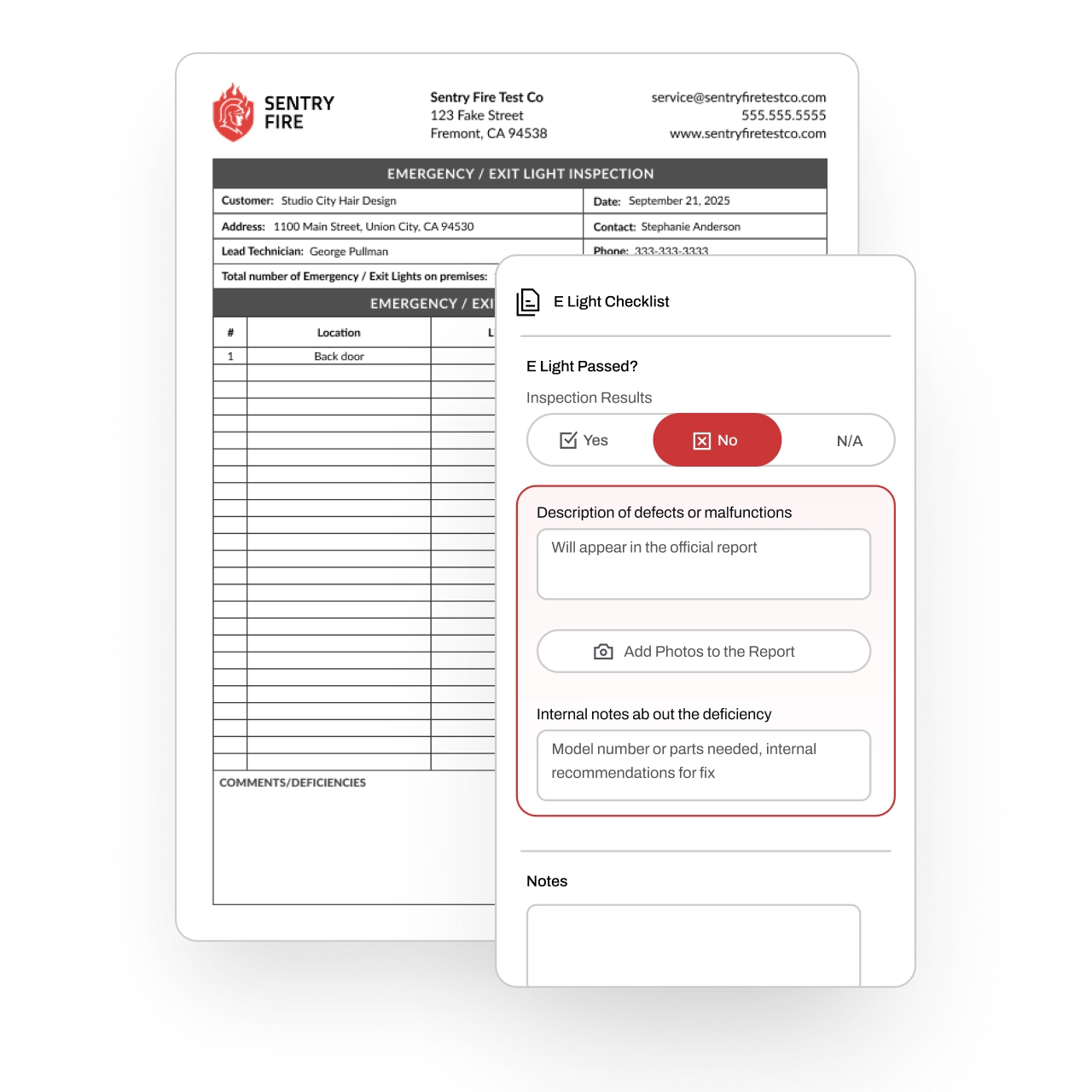
Stay Ahead of NFPA 101 & Life Safety Codes
Emergency and exit lighting inspections are critical for occupant safety and required by NFPA 101 and local fire codes. But managing monthly and annual tests across multiple properties can be time-consuming and error-prone.
Essential’s Emergency & Exit Light Inspection Software streamlines compliance by simplifying recurring inspection management, standardizing testing workflows in the field, tracking deficiencies and required retests, and generating AHJ-ready reports that meet NFPA 101 and local code requirements.
Partnered with leading fire protection businesses







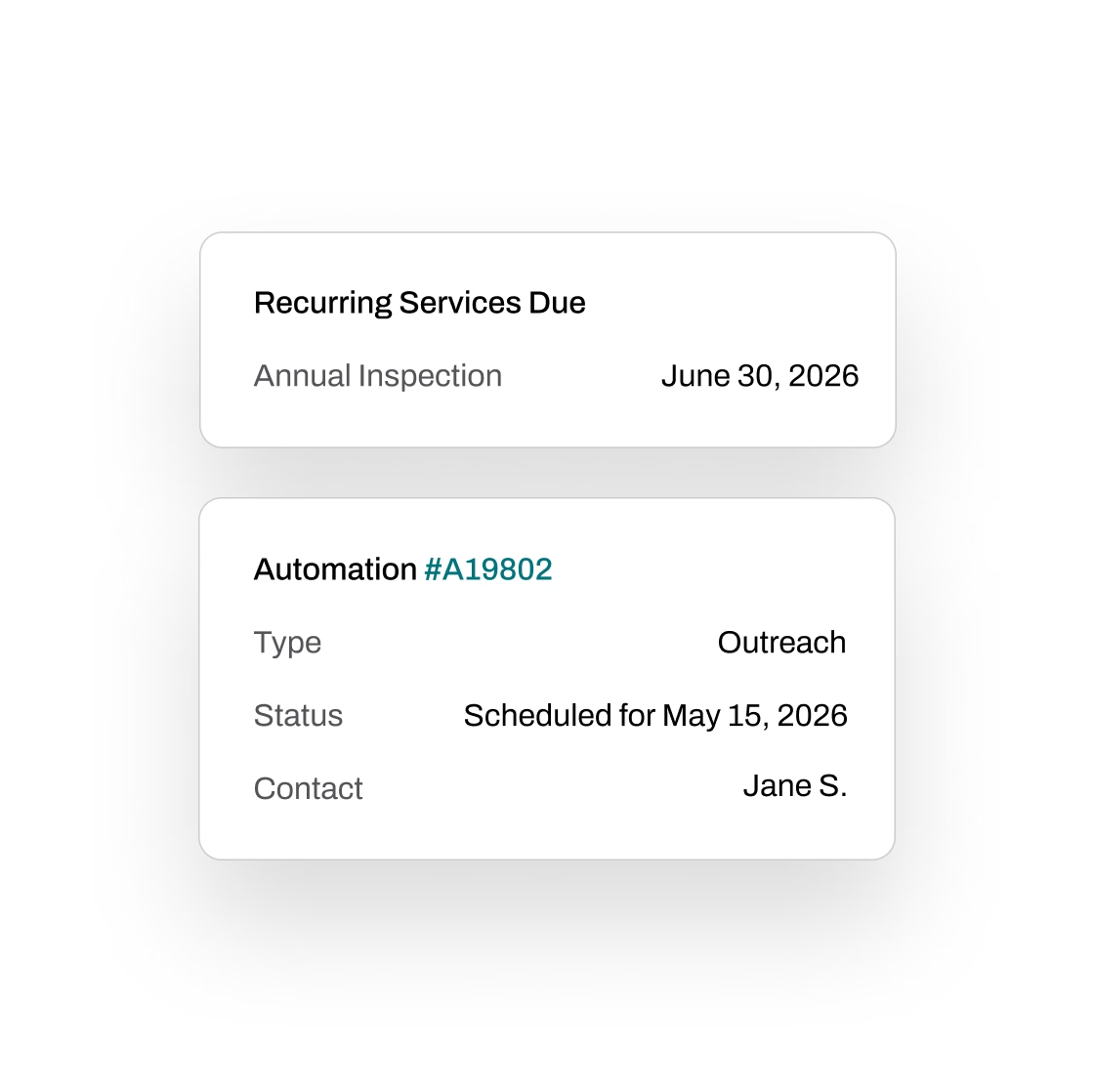
Automate recurring inspections and customer outreach
Tracking exit and emergency light inspection due dates and scheduling with existing customers takes a lot of manual effort. Essential automates most of this process, so you can skip the tedious busywork.
Automate inspection due date tracking—New due dates auto-update based on completed work, ensuring accuracy when a service is done earlier or later than the last due date
Set custom automations—Save time with automations like customer outreach to confirm service and property access
Manage complex inspection cadences—Ensure nothing is missed, including services on other fire protection assets like fire extinguishers and more, all from one platform
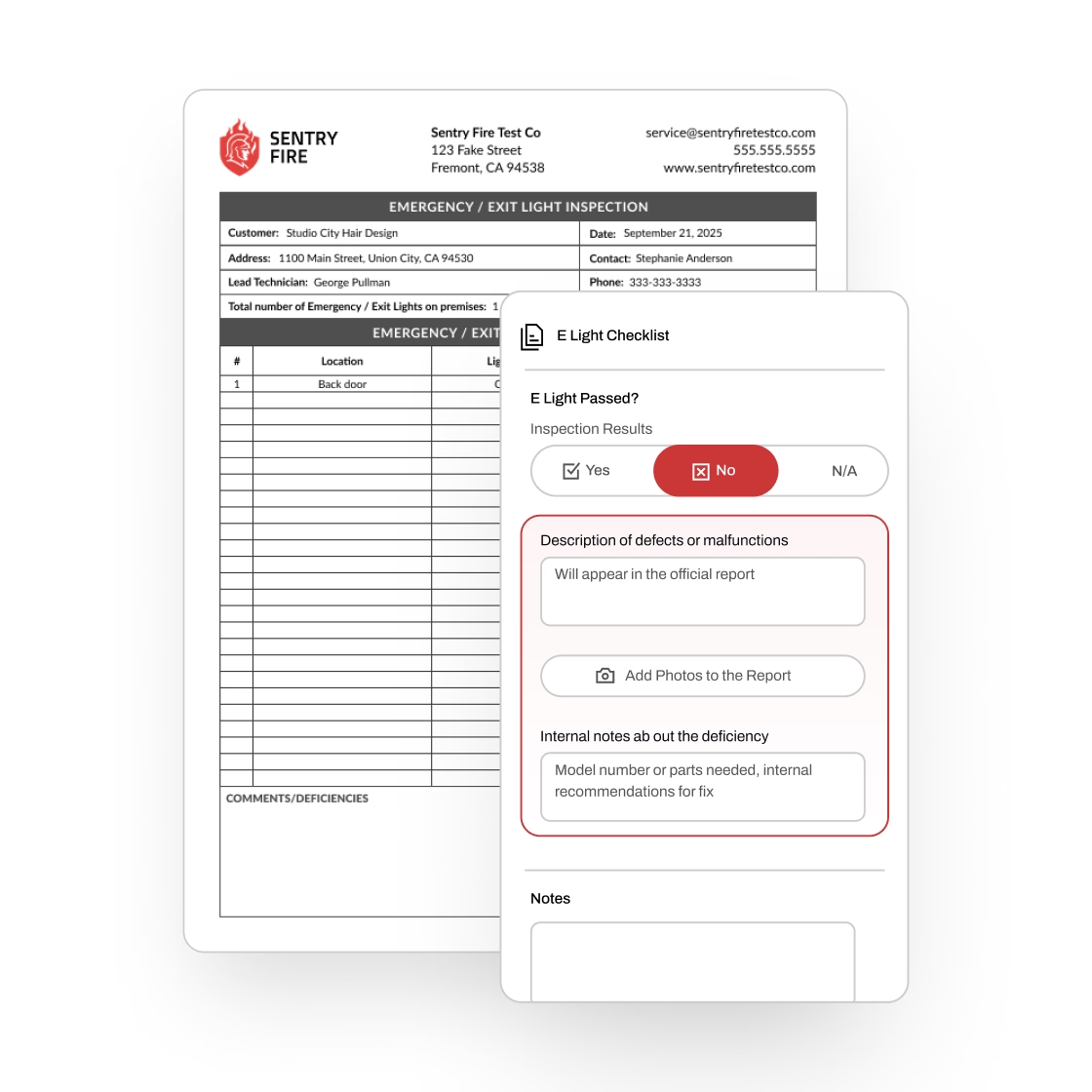
Perform mobile-first emergency light & exit sign inspections
Track the details that matter for every e-light—like location, type, and optional notes. With Essential, you only see the fields you need, so inspections stay fast and focused.
Find the right e-light instantly—Search by location, or by barcode or QR code scan, directly from your mobile device (no extra hardware required)
Mark Pass/Fail and log deficiencies on the spot—Record inspection results and record deficiencies, right from the field
Auto-generate inspection reports—Create AHJ-ready reports using NFPA 101 templates, or customize your own with Essential’s flexible report builder
Use AI and bulk actions to do your work faster

Simply take photos, use your voice, or upload a previous inspection report to add new emergency and exit lights.
Add photos and voice—From the mobile technician app, take photos and/or add voice memos to add new emergency and exit light units
Bulk import—From the web, import a prior inspection report, whether it's a PDF or a photo of a handwritten report, for the AI agent to parse in minutes
Advanced workflows—Businesses can choose to allow technicians to have access to additional bulk action workflows such as bulk answering inspection report questions, swipe to pass/fail, and other ways to get the technician to spend less time tapping and more time doing the real work
Easily manage everything before and after inspections
Inspections are just one part of the job. Essential streamlines everything around them—so you stay organized, efficient, and ahead of schedule.
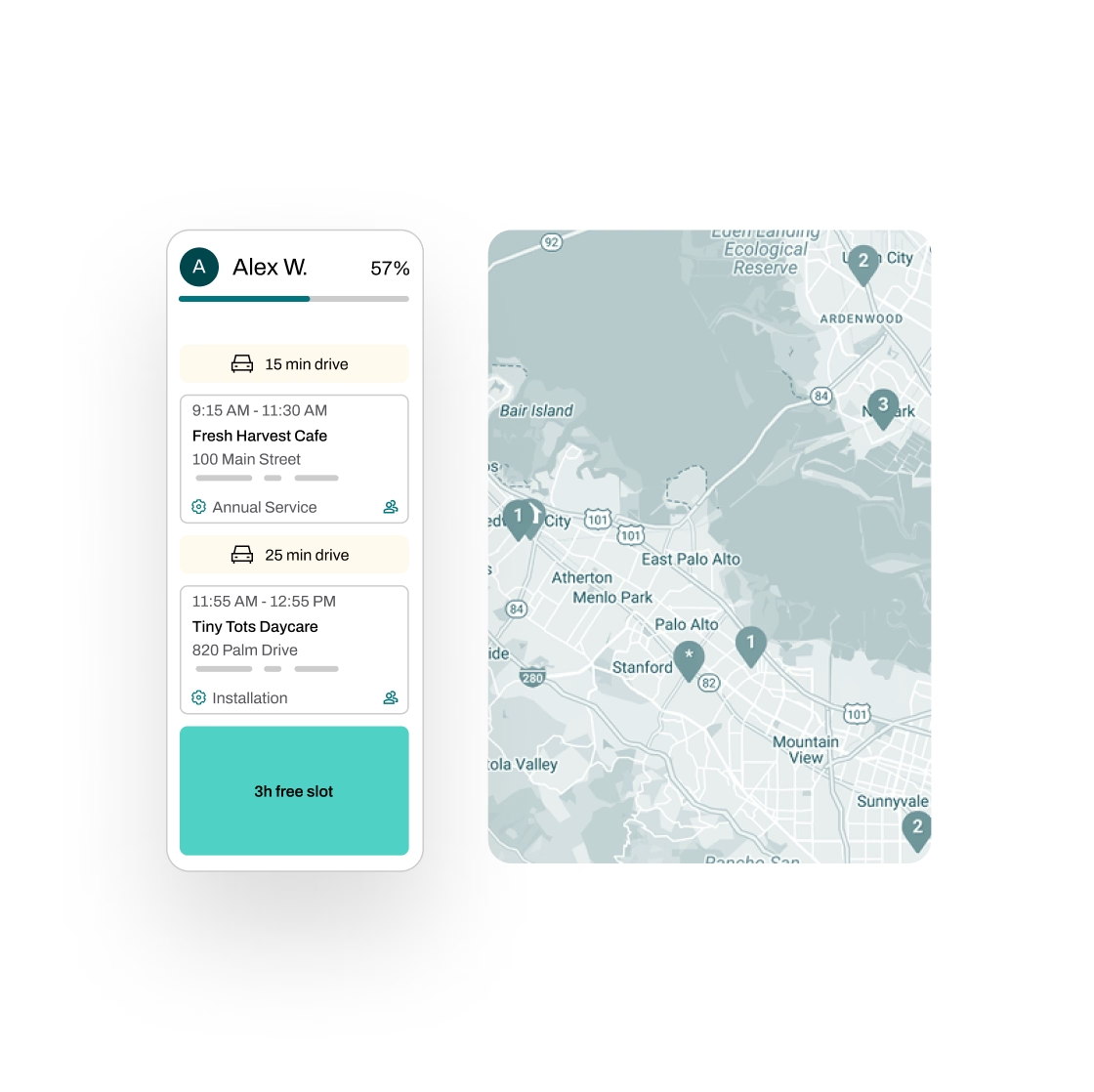
Schedule smarter—Plan routes with real-time traffic insights, assign technicians efficiently, and automate reminders to reduce no-shows and return visits
Quote with 1-click—Create quotes in seconds with AI-powered rules that handle discounts, surcharges, and job-specific details; then let Essential automate follow-ups by email and SMS
Invoice and follow-up effortlessly—Instantly generate draft invoices using completed job details, flag unbilled work for review, and sync with your accounting software
Manage tasks across teams—Essential automatically generates and tracks tasks across your team, with full progress visibility and a complete audit trail
Partnered with leading fire protection businesses


FAQs
Got questions? We've got answers.
Yes. We provide ready-to-use NFPA 101 templates, or you can customize reports using our flexible report builder to match your workflow and AHJ requirements.
Yes. Device details carry over from inspection to inspection, so technicians have everything they need without re-entering data each visit.
Technicians can search by location or scan barcodes and QR codes directly from their phone—no extra hardware required. Device details are preloaded, so they can jump right into the inspection.
Essential handles any asset-based service business. If you also install, inspect, or manage other types of systems or equipment, you can manage everything in one platform.
Yes, and it's free. We migrate your data from other software, spreadsheets, or even handwritten inspection records. Your service history comes with you, so you're not starting from scratch.