


CRM
Organize every customer, property, contact, and fire protection asset using smart features that keep your data clean.



Store customer-level info once
Stop re-entering the same contact or billing details.
Save key information at the customer level and have it automatically applied across every property associated with that customer—reducing manual entry and keeping your data consistent.
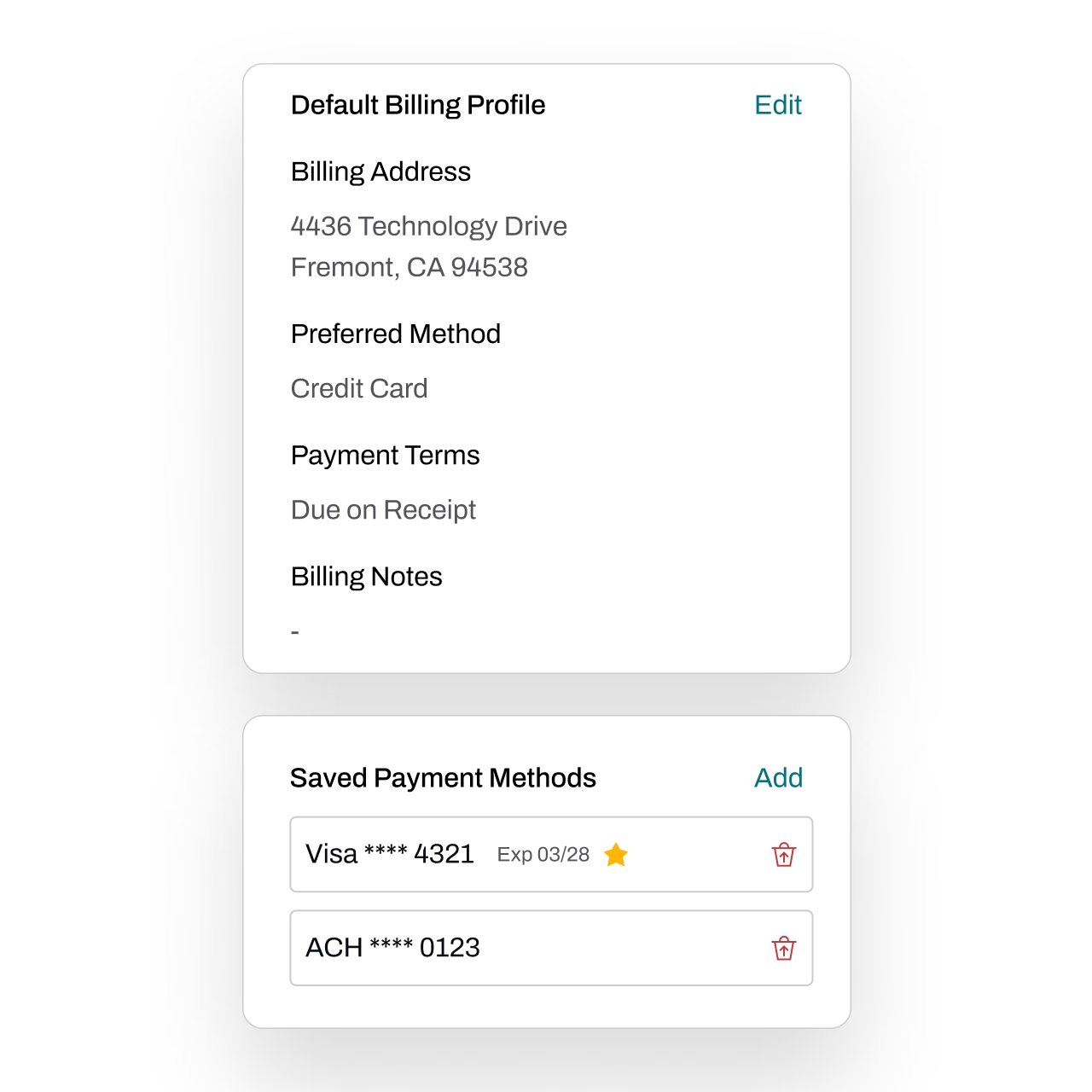
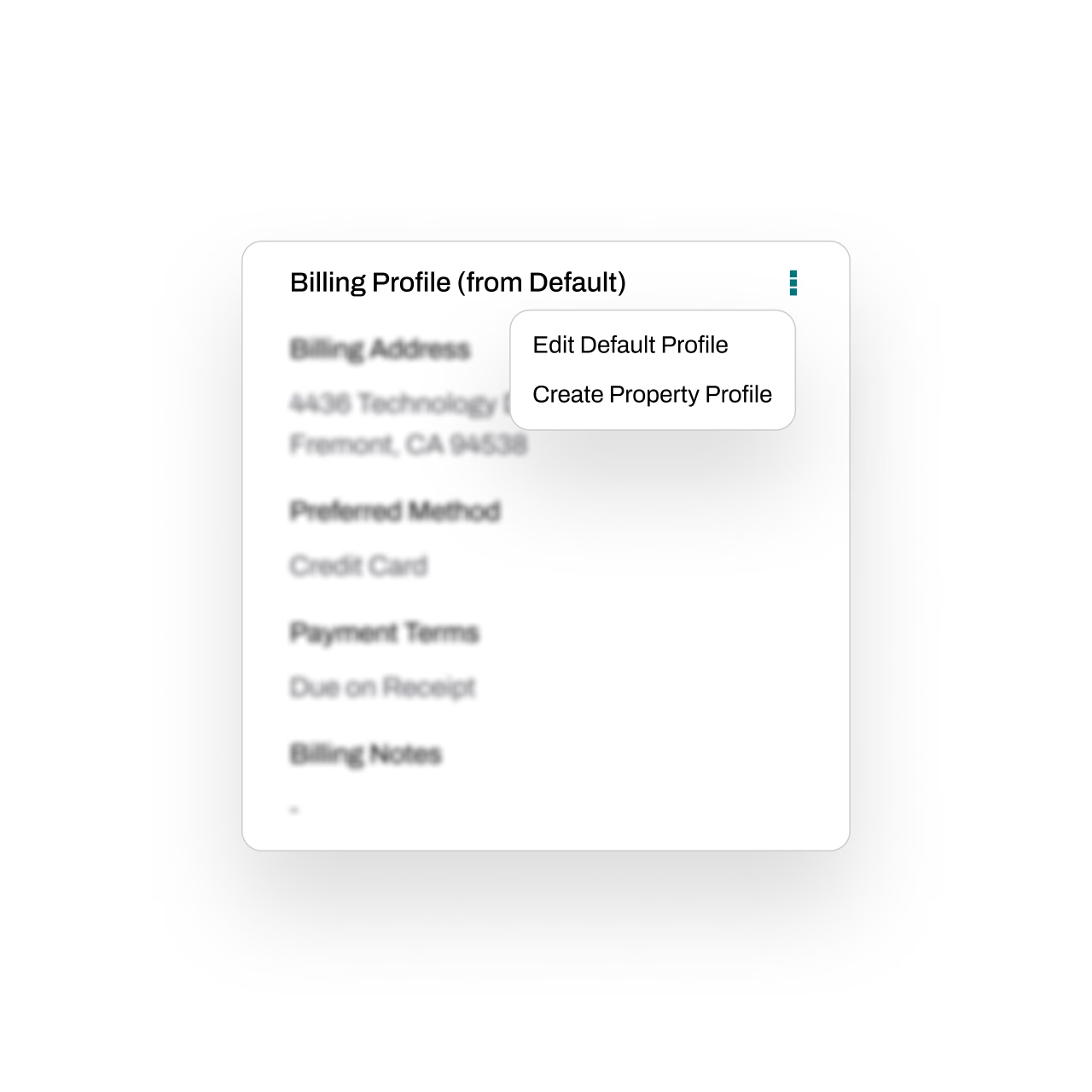
Property overrides whenever you need them
Customer-level info flows down by default, but properties stay fully customizable. Override billing, contacts, and more whenever a property needs something different.
Get the best of both worlds: consistency by default, flexibility when needed.
Full transparency for every change
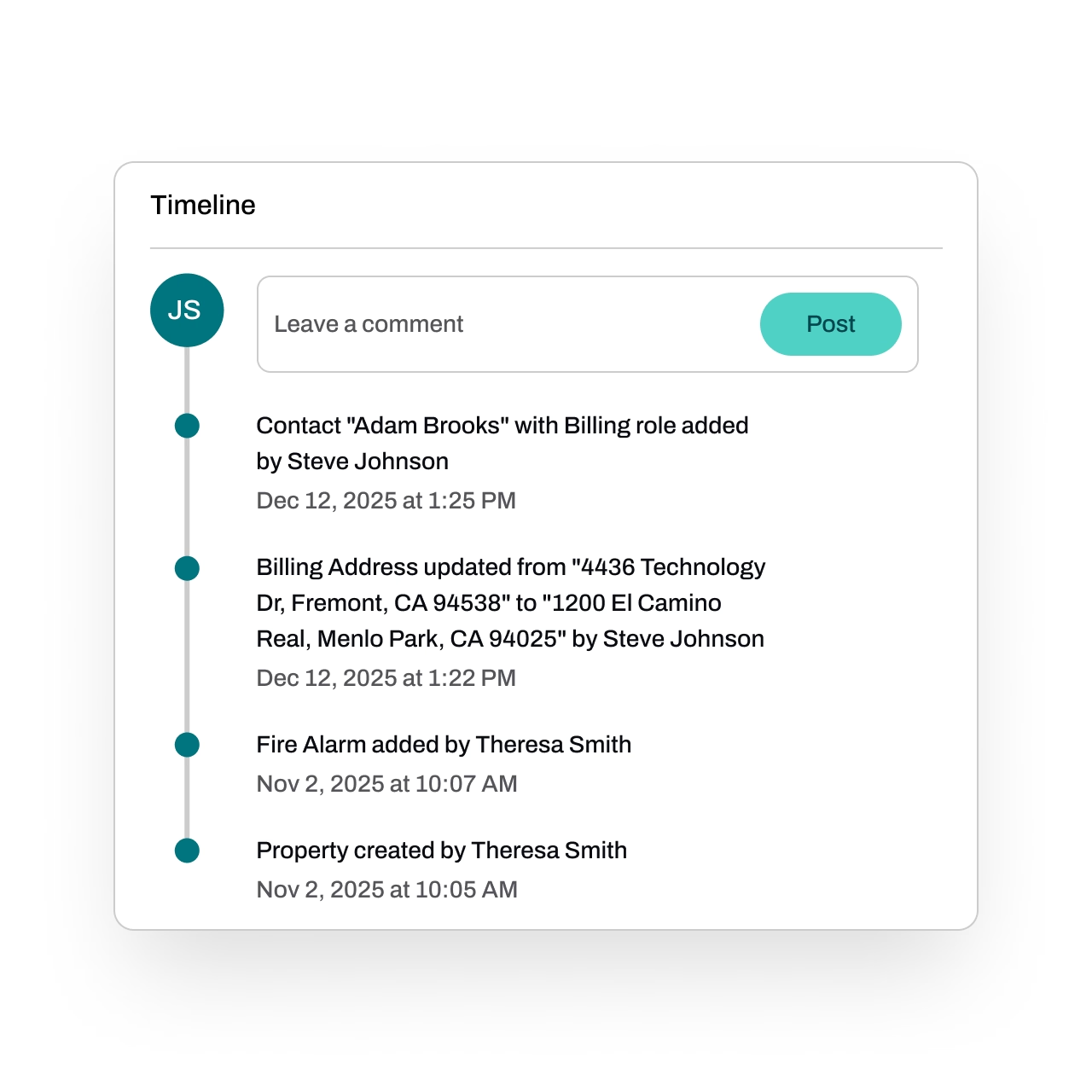
Every update—big or small—is logged. See who added or edited information, what changed, and when it happened.
With a complete activity timeline, your team gets transparency, accountability, and confidence in every record.
Store any type of asset
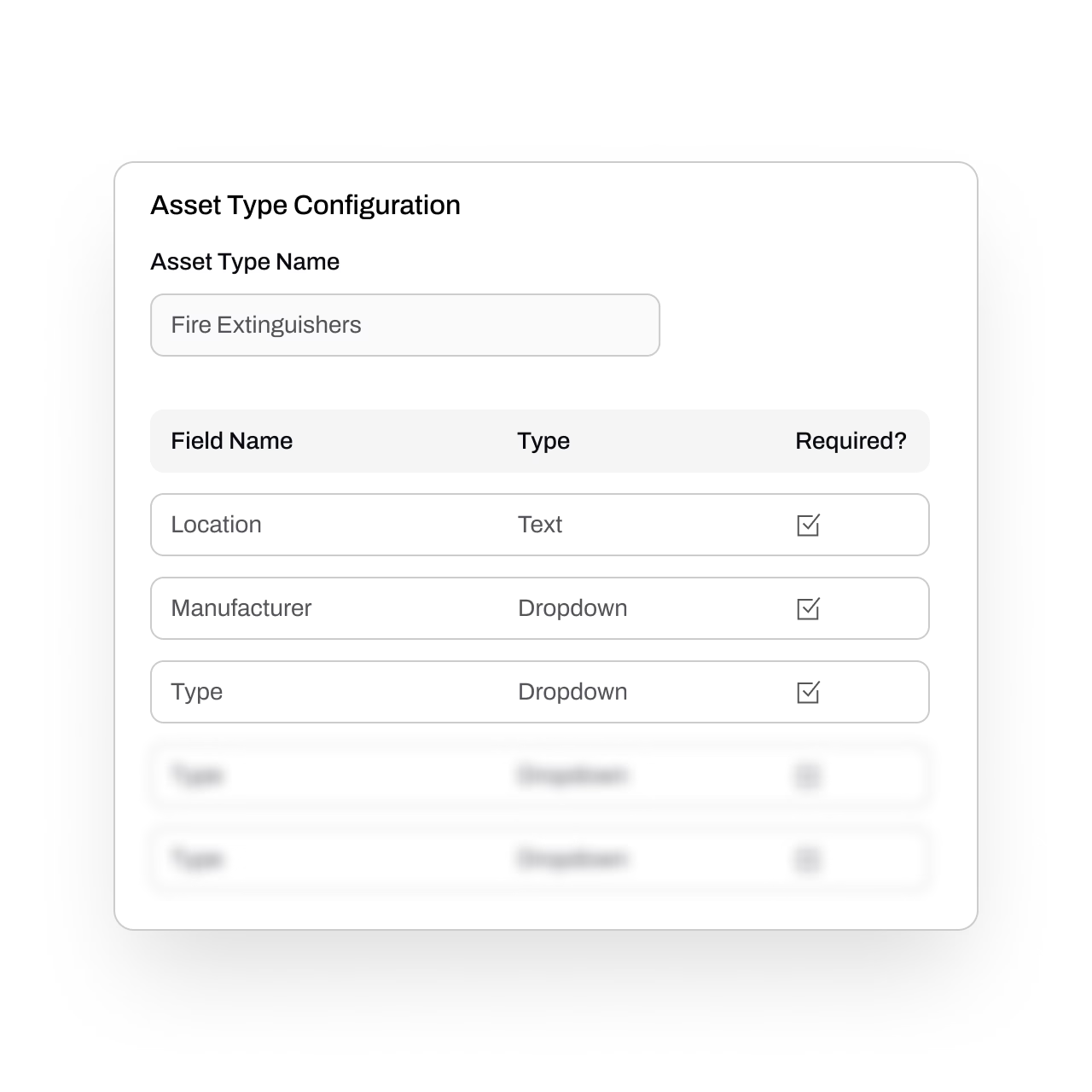
Capture every detail for any asset—type, location, status, serial numbers, custom fields, and more. Essential gives you the flexibility to track exactly what matters.
You can also track when assets are due for inspections or other recurring services.
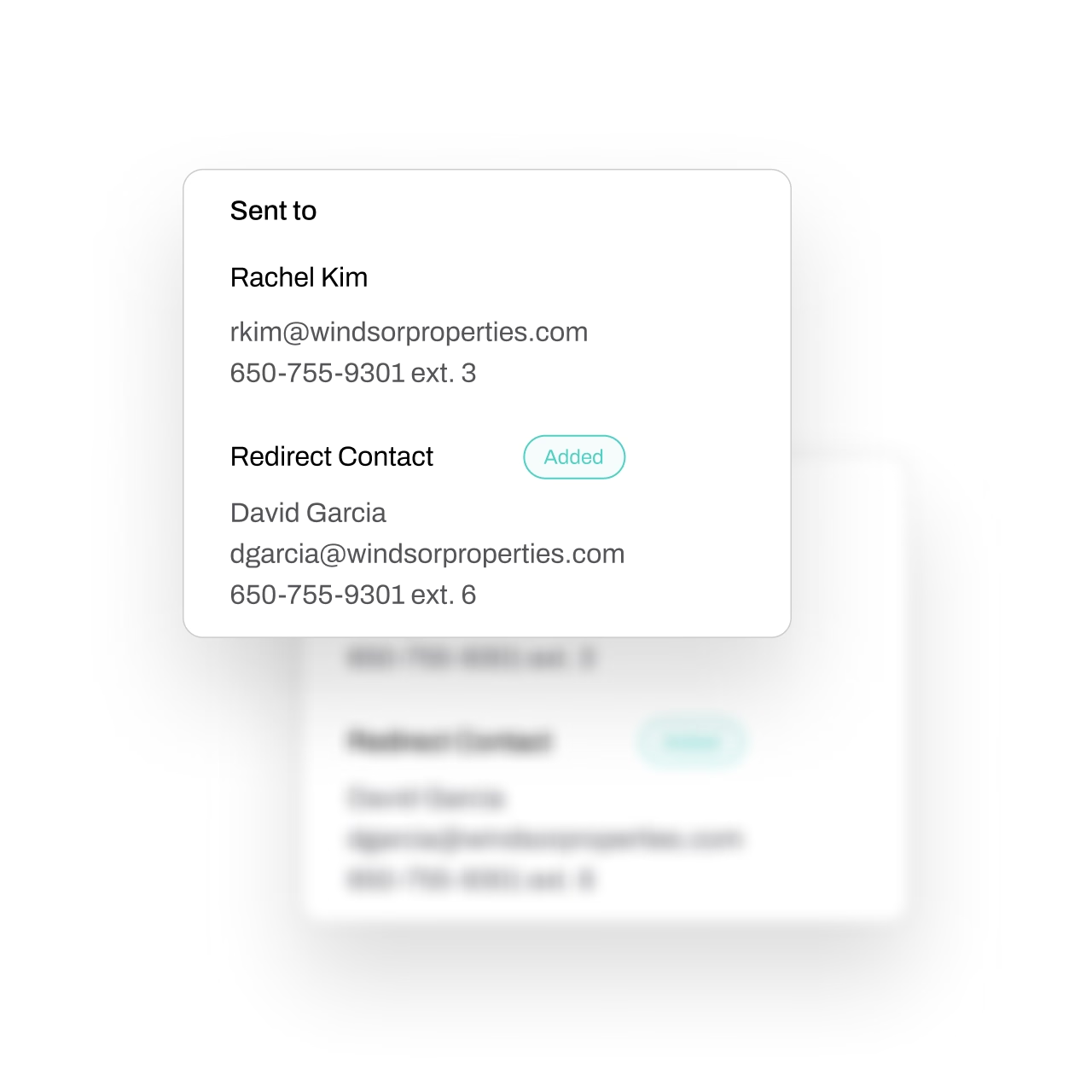
Auto-update contacts
Contacts, like property managers, change frequently. Keeping them up-to-date can be tedious and error-prone.
When customers respond to your outreach forms, their updated information flows straight into your system. New contacts are created automatically, and existing ones are updated without manual work.
FAQs
Got questions? We've got answers.
Fire protection businesses manage complex relationships between customers, properties, contacts, and assets — each with their own inspection schedules, service intervals, and compliance requirements. Essential's CRM is purpose-built for this, linking customer records to properties, equipment, and recurring service dates so everything stays connected. A general CRM simply isn't designed to handle that level of operational detail.
Essential lets you store customer-level information once and automatically apply it across all of their properties. When a specific property needs different billing contacts, access instructions, or service preferences, you can set property-level overrides without duplicating or re-entering the core customer record.
Yes. Essential stores detailed asset records including equipment type, location, status, and serial numbers — with custom fields for any additional tracking your business needs. The system also monitors inspection schedules and recurring service due dates tied to each asset, so you always know what's coming up.
It does. When customers interact with Essential's outreach forms — such as scheduling an inspection — the system automatically creates new contacts or updates existing records with the latest information. This keeps your contact data current without your team manually entering changes.
Essential's CRM sits at the center of the platform: Essential Office handles back-office functions like billing, scheduling, and quoting; Essential Field is the mobile app for technicians; and Essential Management adds dashboards, job costing, and timecards on top. CRM data flows across all of it, so customer details, asset records, and service history are accessible whether you're in the office or on-site - with every change logged for full accountability.