


Inspection Reports
Create NFPA-compliant inspection reports with ease, so technicians can focus on the work, not the paperwork



Complete inspections faster
Essential streamlines inspection workflows so technicians can move quickly and stay focused on the work.
Property and asset details carry forward automatically, eliminating repetitive data entry and reducing the chance of errors.
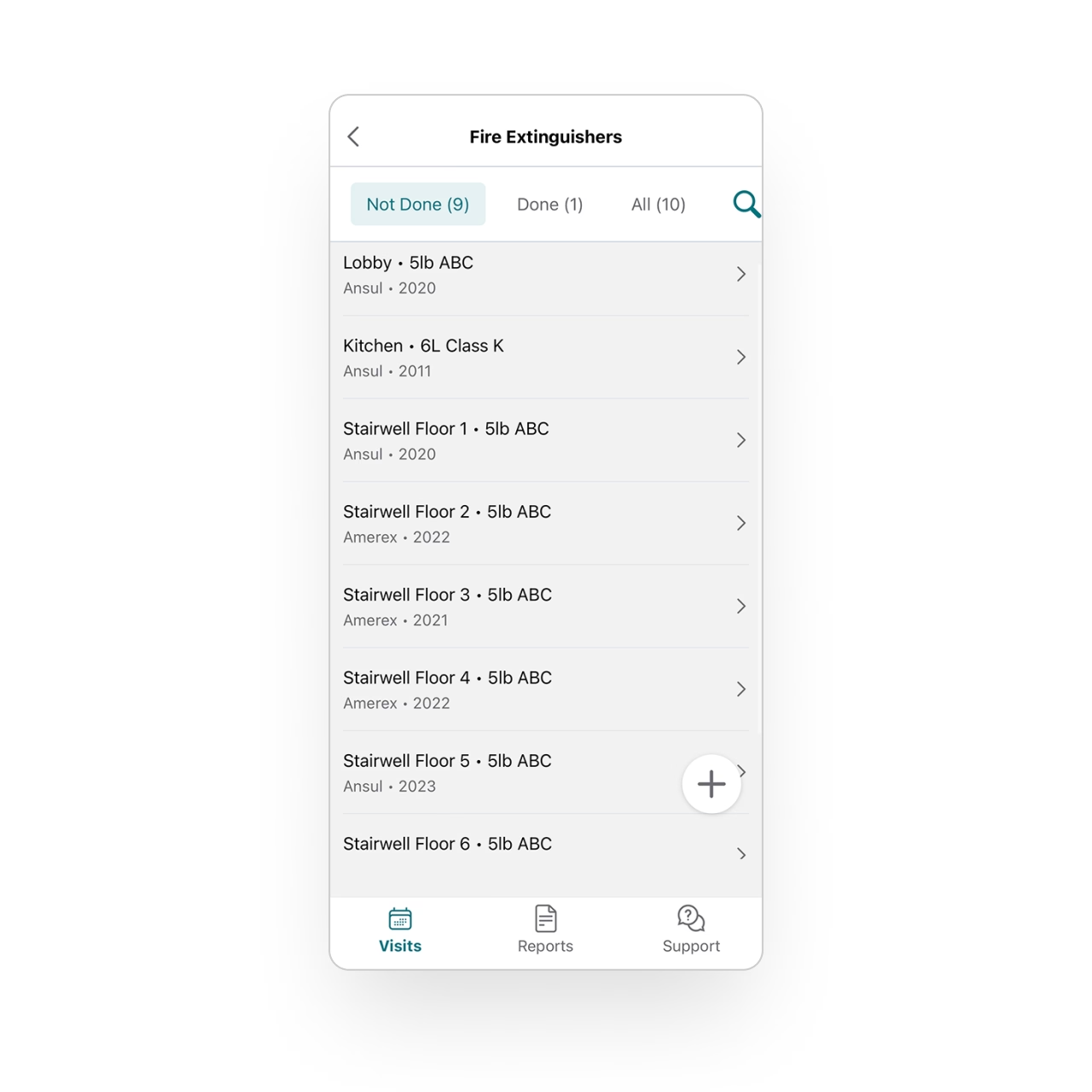
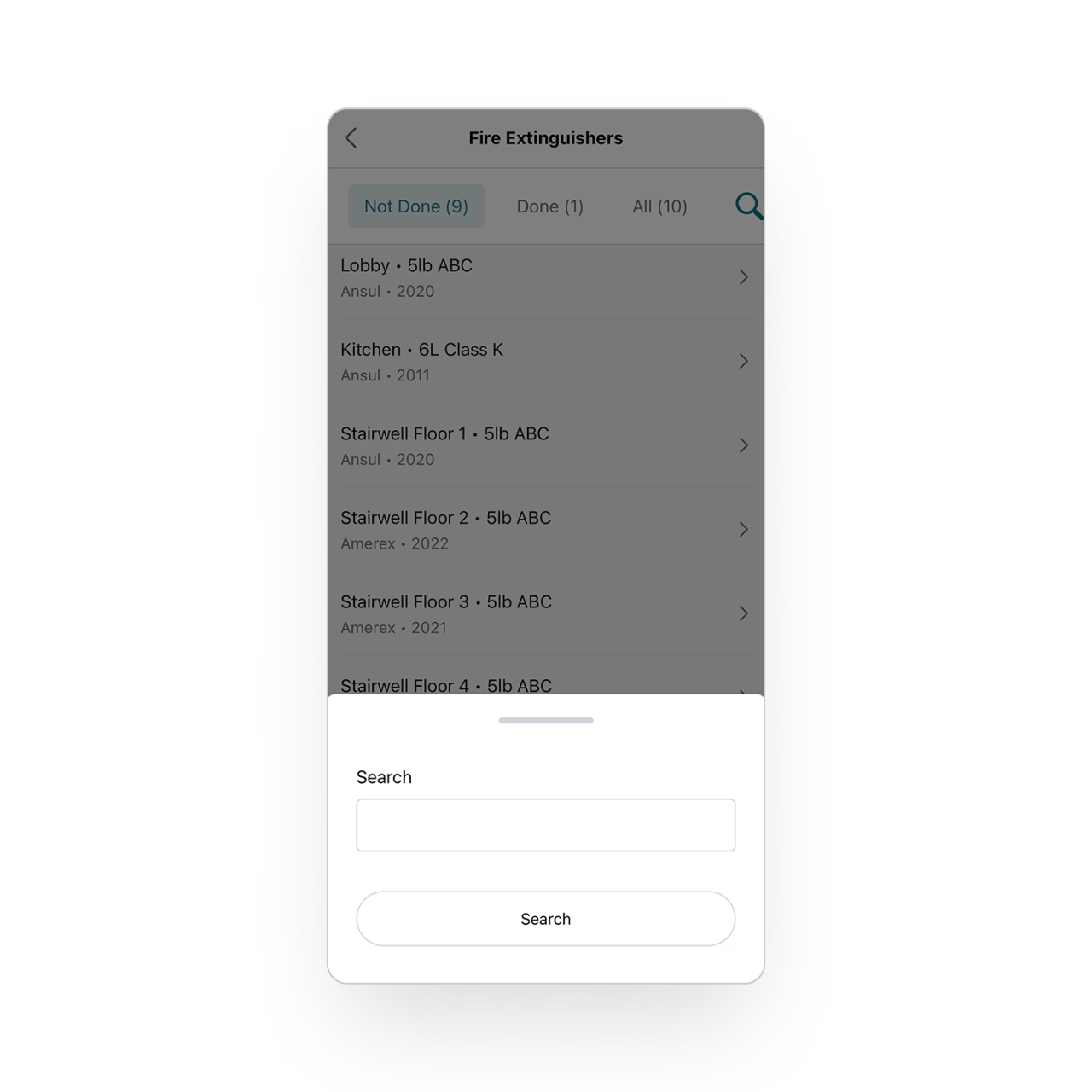
Search and filter during inspections
Technicians can locate any asset with ease using filters for type, location, tag, status, and more. They can also scan a barcode to pull up the correct device instantly.
Especially in large or complex buildings, techs spend less time searching and more time inspecting.
Identify and track deficiencies
Technicians can record deficiencies with comments and internal notes. Each deficiency is automatically organized and tied to the specific asset, ensuring nothing gets lost or overlooked.
The back office can review and follow up immediately, allowing you to address issues quickly and keep customers informed.
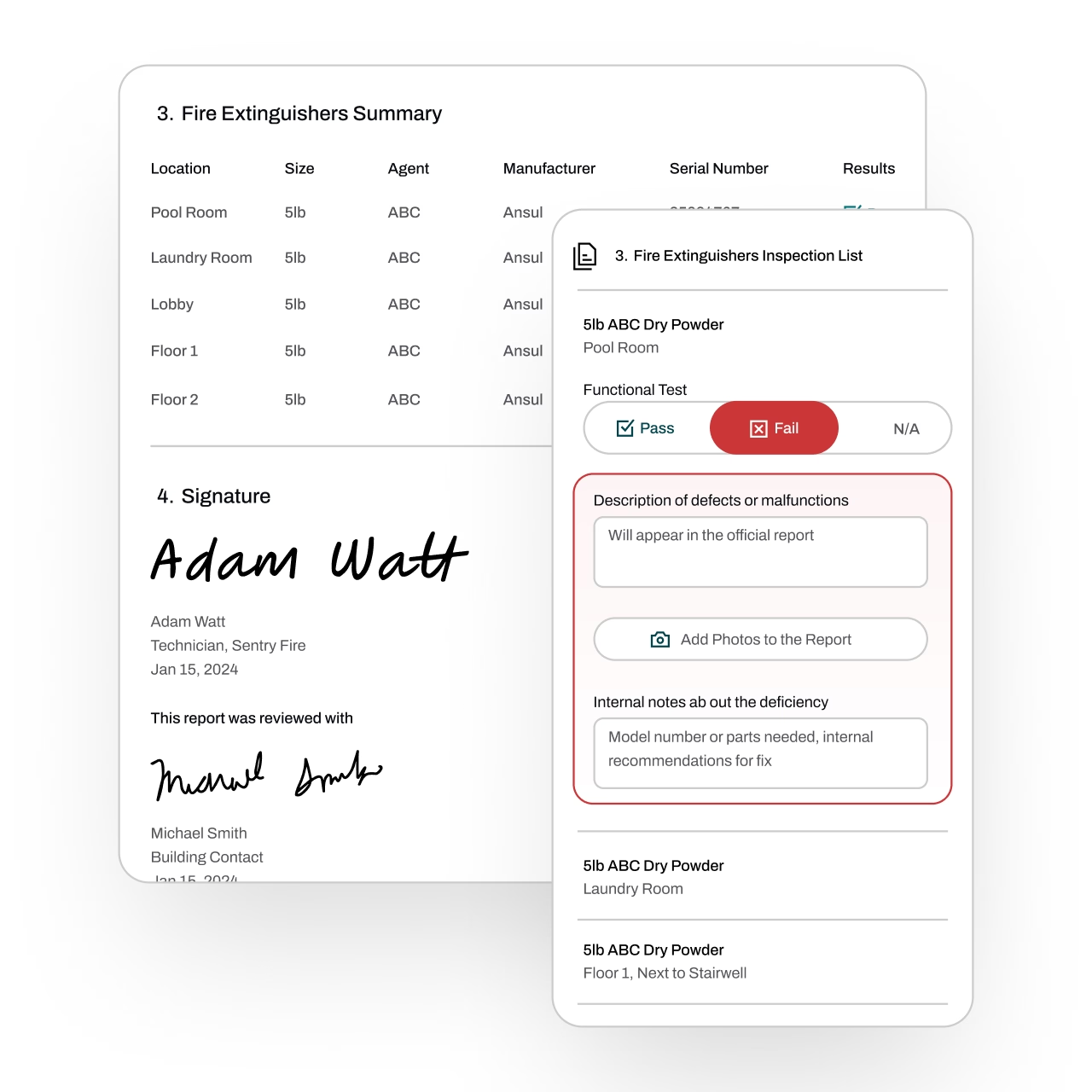
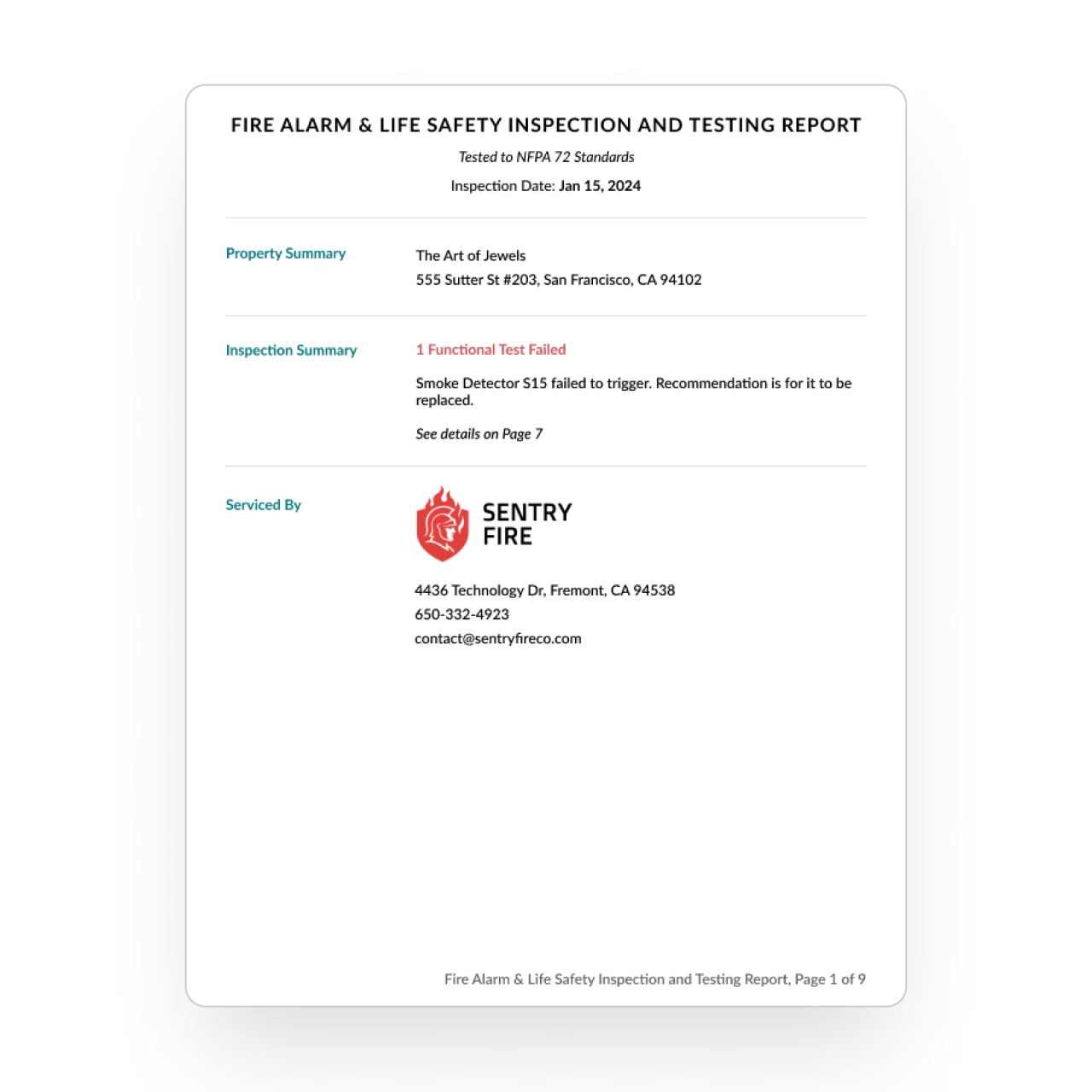
Create polished, NFPA-compliant reports
Once the inspection is finished, Essential turns technician inputs into a professional report. Technicians can review it on the spot before sending it to the back office to ensure everything is accurate.
Report templates are fully customizable, giving you complete control over how your NFPA-compliant reports look and read.
Get even more tools for the field
Discover how techs manage schedules, capture data, and stay synced in the field.
FAQs
Got questions? We've got answers.
Essential automatically carries forward property and asset details from previous inspections, so technicians don't re-enter the same information every visit. Combined with barcode scanning for instant asset lookup and smart filtering by type, location, tag, or status, technicians spend far less time on data entry and more time on the actual inspection.
Yes. Essential generates professional, NFPA-compliant inspection reports directly from the data technicians capture in the field. The report format is customizable to your business while maintaining the compliance standards required for fire protection inspections — so your reports are both professionally branded and regulation-ready.
When a technician identifies a deficiency, they document it with comments and internal notes right from the mobile app. Essential automatically organizes deficiencies by asset, making it easy for the back office to follow up quickly — whether that means generating a repair quote, scheduling a return visit, or notifying the customer.
Yes. Essential lets technicians review their completed reports on-site before final submission, giving them a chance to catch any errors or add missing details. This quality check happens in the field while the work is still fresh, reducing the back-and-forth that typically happens when the office catches issues after the fact.
Essential supports inspection reporting across all major fire protection service lines, including fire extinguishers, fire sprinkler systems, fire alarm systems, fire doors, kitchen suppression systems, and emergency/exit lighting. The platform's flexible asset tracking and customizable report templates adapt to the specific requirements of each inspection type.