


Quotes & Invoices
Close sales and collect payments faster with mobile quoting and invoicing built for technicians



Create quotes in the field
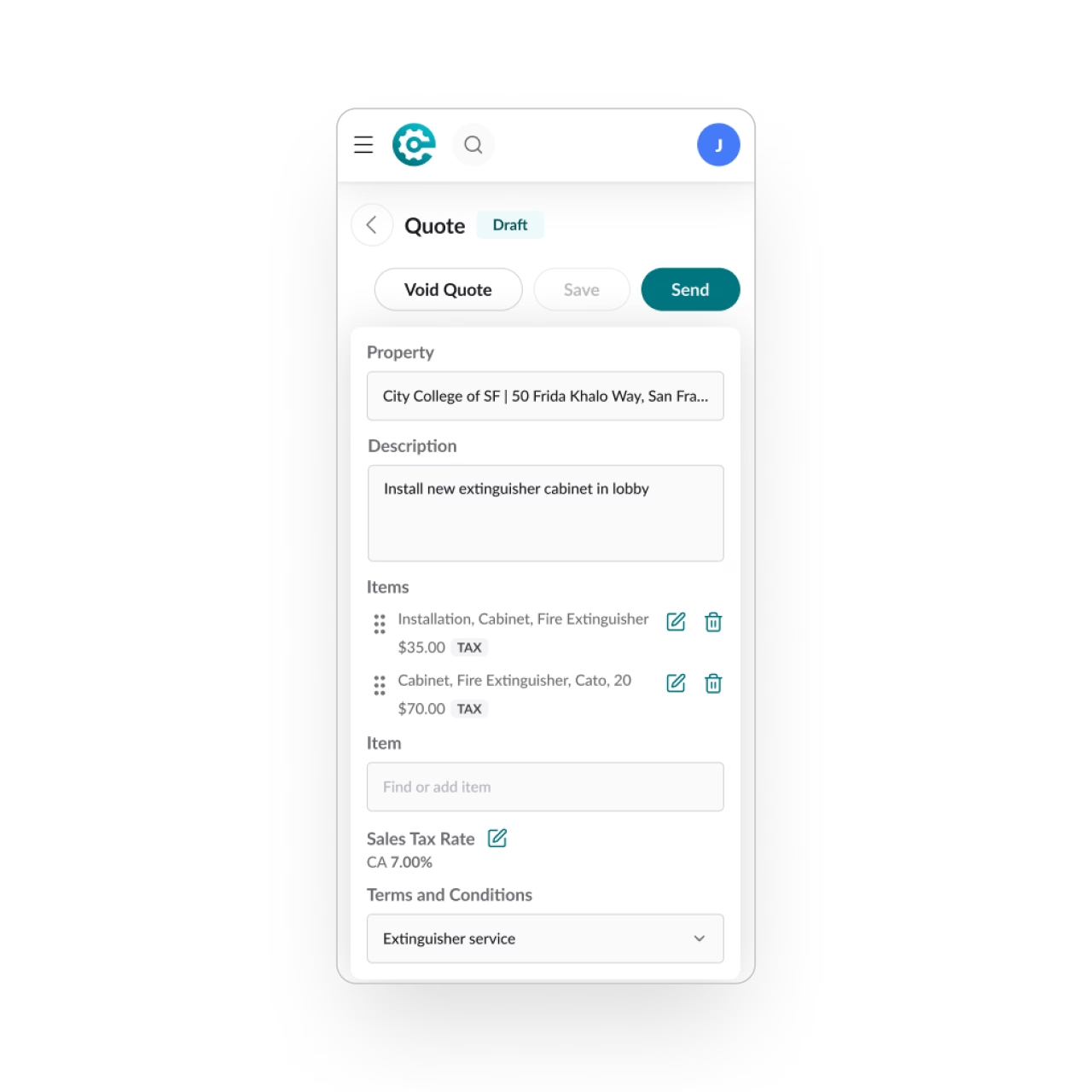
Technicians can build and send professional quotes in minutes using a simple form. They can pull from the business's pricebook or create custom line items, then collect the customer's approval right from their device.
Create invoices & collect payments
Technicians can create and send invoices instantly, or save them as drafts for the office.
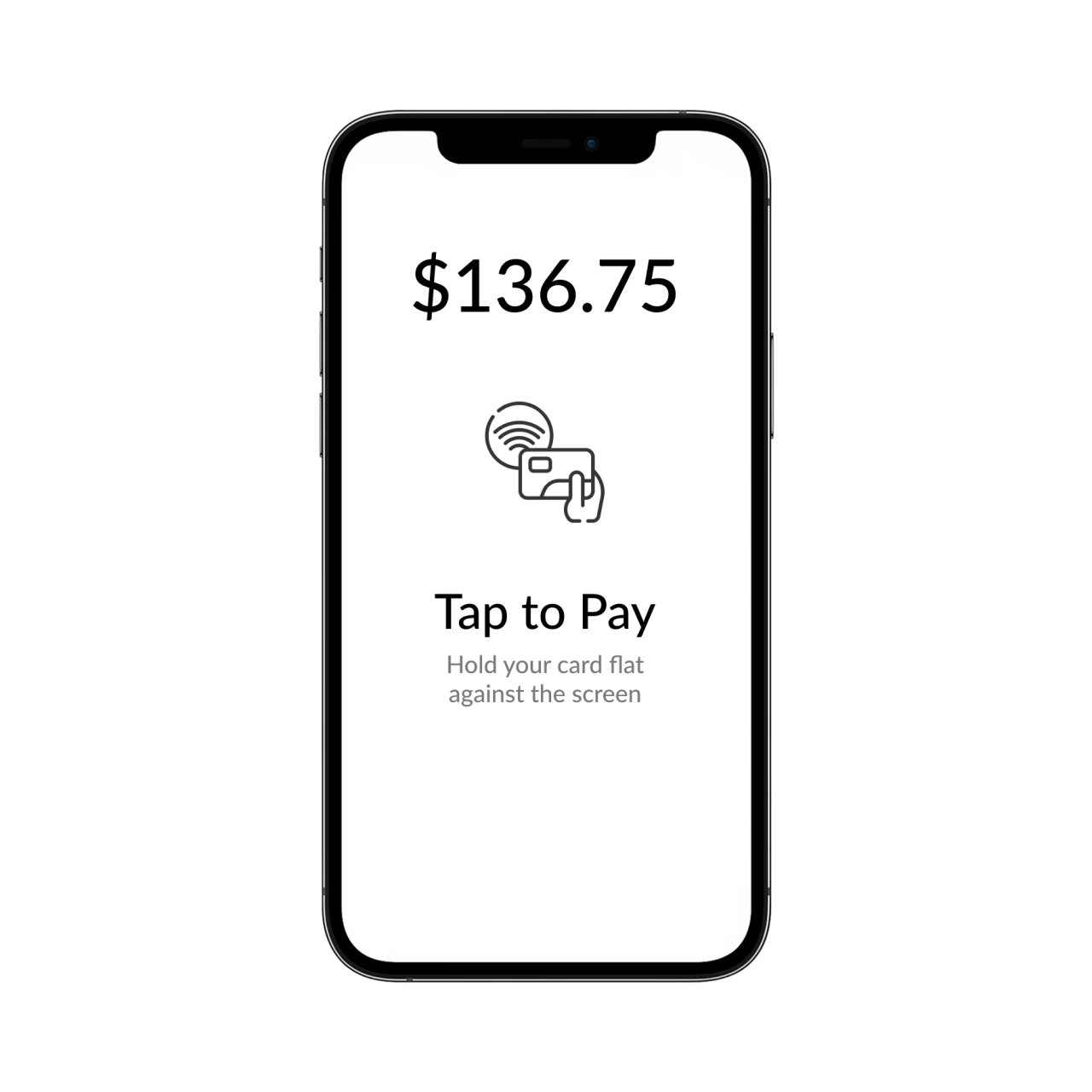
Take credit card payments with tap-to-pay (no extra hardware needed), or record checks and cash payments.
Stay in sync with the back office
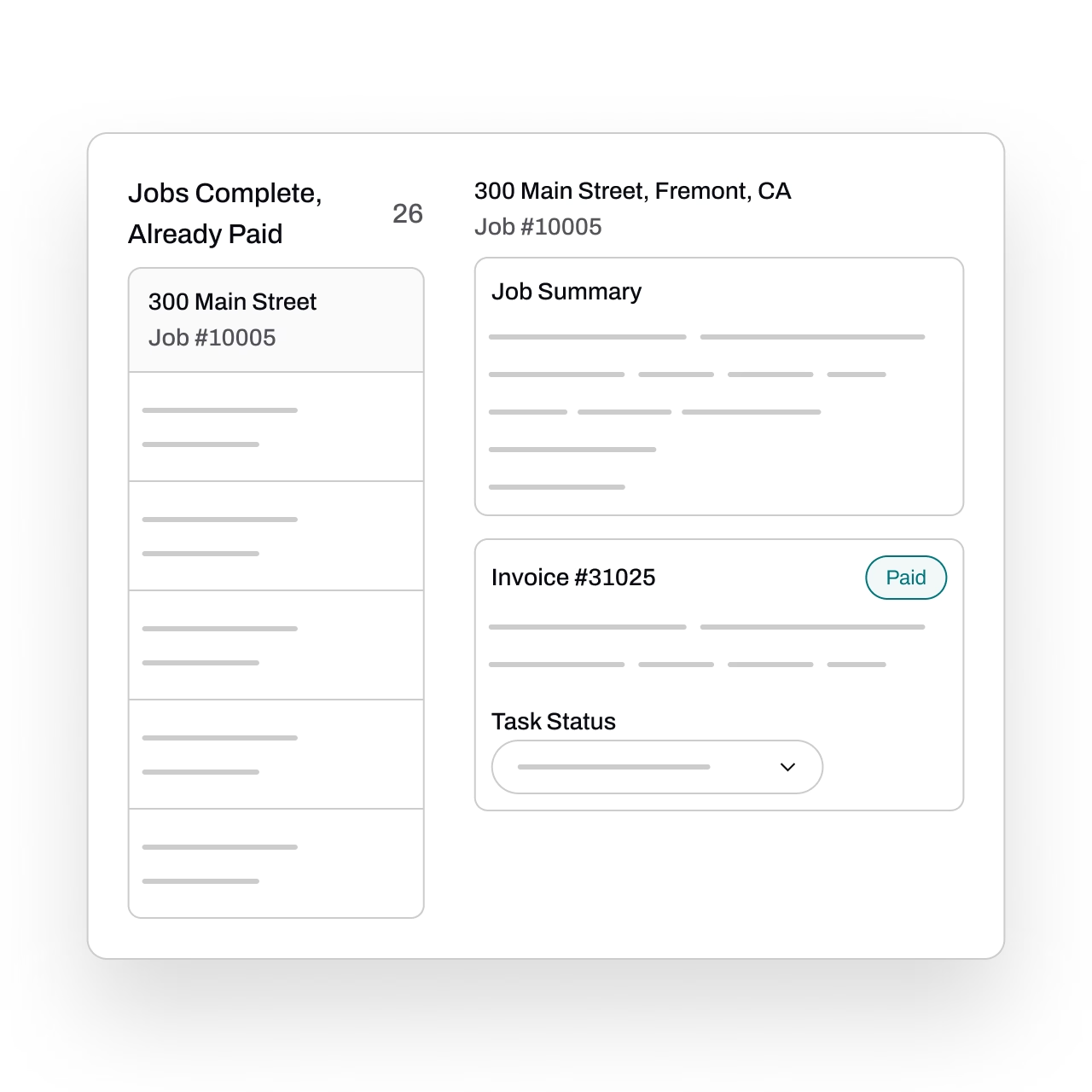
Field work syncs automatically with the office, keeping quotes, invoices, and payments up to date without extra steps.
Get even more tools for the field
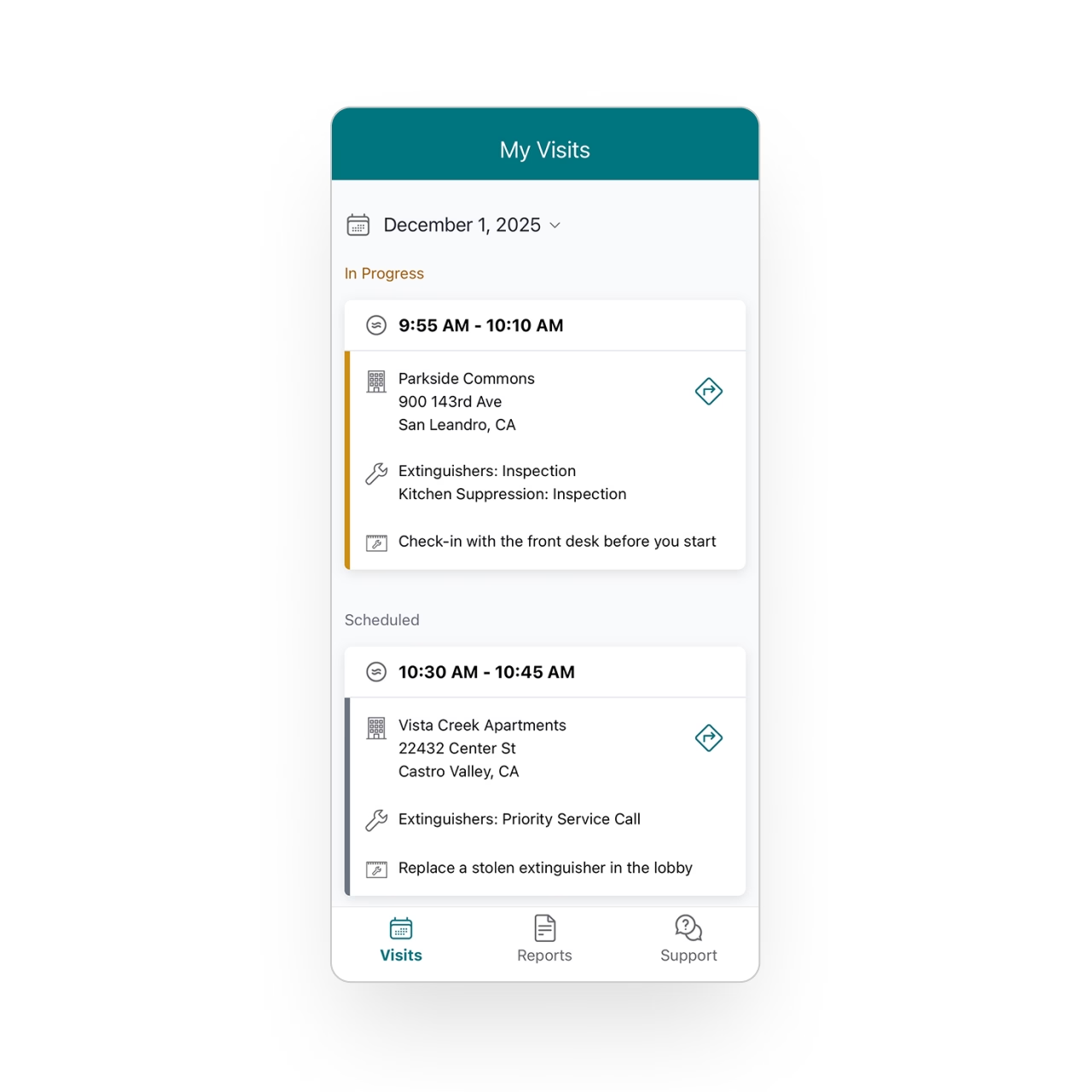
Discover how techs manage schedules, capture data, and stay synced in the field.
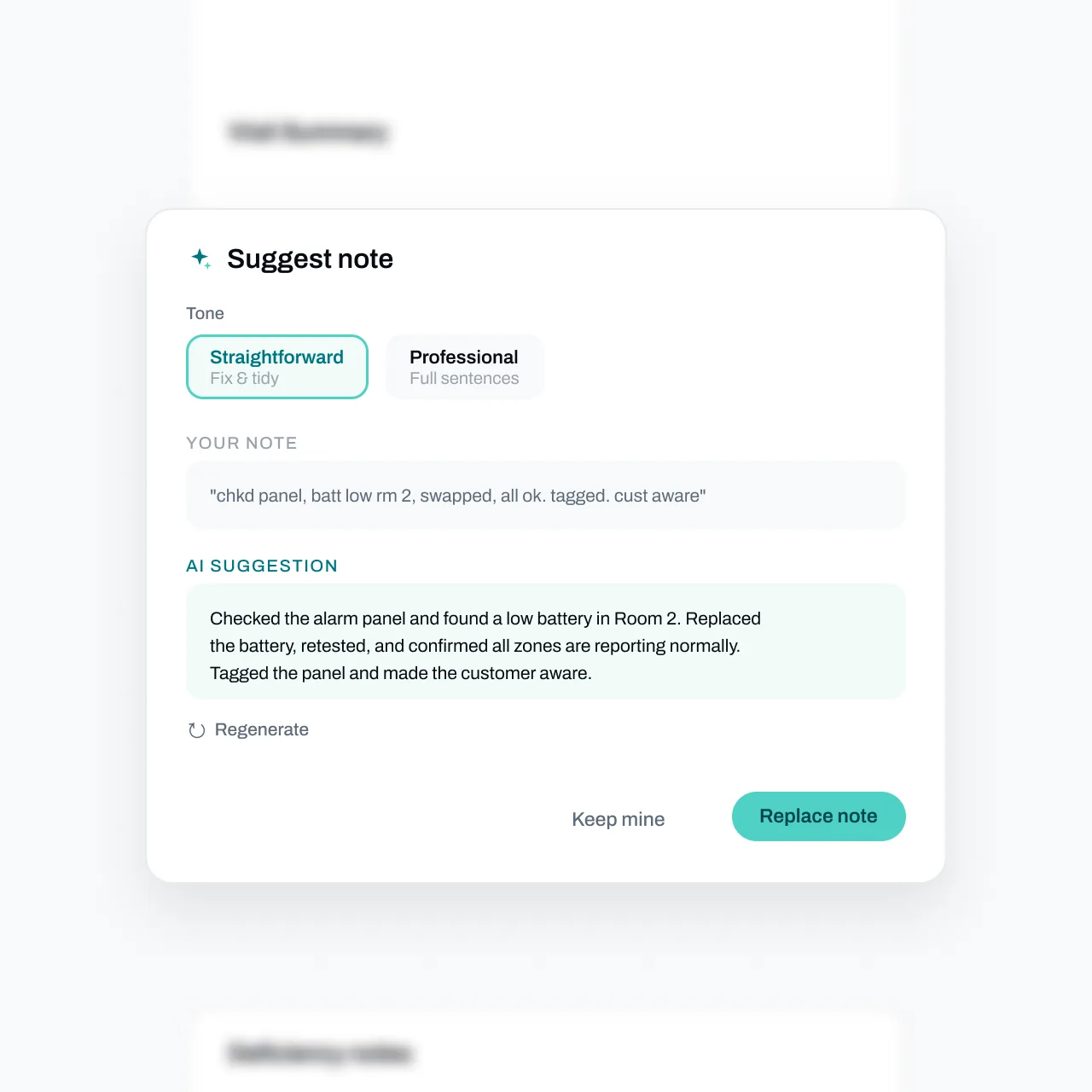
Write it once, let AI polish it
Rough line descriptions become customer-ready text with the Suggest button. Techs keep their facts; Essential fixes the wording. Keep yours or undo anytime.
FAQs
Got questions? We've got answers.
Yes. Essential's mobile app lets technicians build and send professional quotes on-site in minutes. They can pull line items from your business pricebook or create custom entries on the spot, and capture customer approval right from their mobile device — no need to go back to the office or wait for someone else to send the quote.
Essential supports tap-to-pay credit card processing directly from the technician's mobile device with no additional hardware required. Technicians can also record cash and check payments on the spot. This means you get paid at the time of service instead of waiting on an invoice cycle.
They do. Everything a technician creates in the field — quotes, invoices, and payment records — automatically syncs to Essential Office in real time. Your back-office team sees the data instantly without anyone re-entering it, keeping your records accurate and eliminating duplicate work.
Yes. Essential gives technicians the flexibility to either send invoices instantly from the field or save them as drafts for the office to review, adjust, and send later. This is useful when jobs need final pricing approval or when your office team handles all customer billing.
It does. Technicians pull directly from your business's pricebook when building quotes, ensuring consistent and accurate pricing across your team. Quotes go out with your company's professional branding, so every customer interaction reflects your business — whether it's created in the office or on a job site.