


Technician App Overview
Use an intuitive iOS/Android app to manage schedules, streamline inspections, and sync with the back office



Stay organized in the field
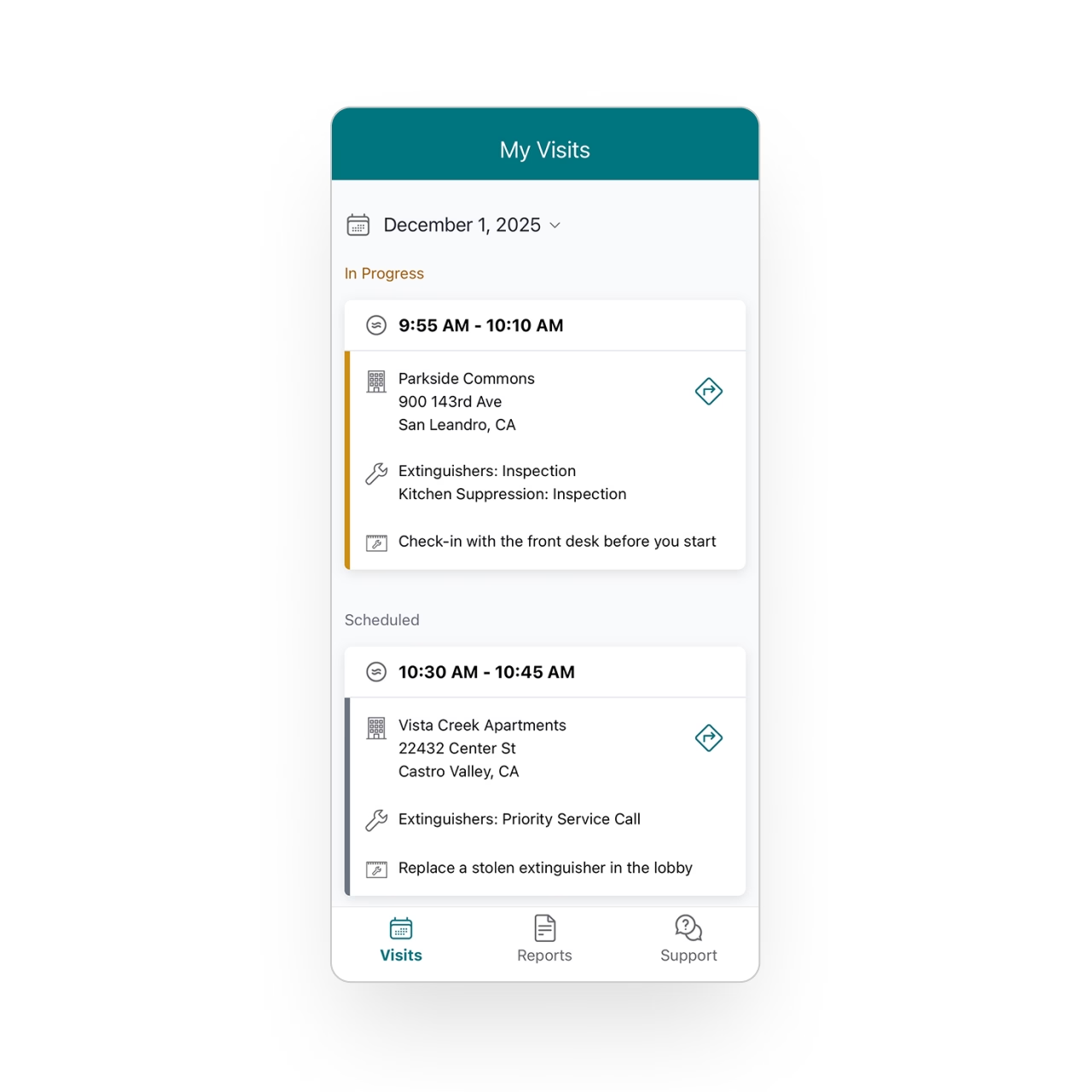
Technicians can clearly see their daily schedule and the work ahead, with visibility up to 30 days in the future.
Every visit opens with the information they need (property details, assets, past inspections) so there’s no confusion about what to do next.
Capture any detail while onsite
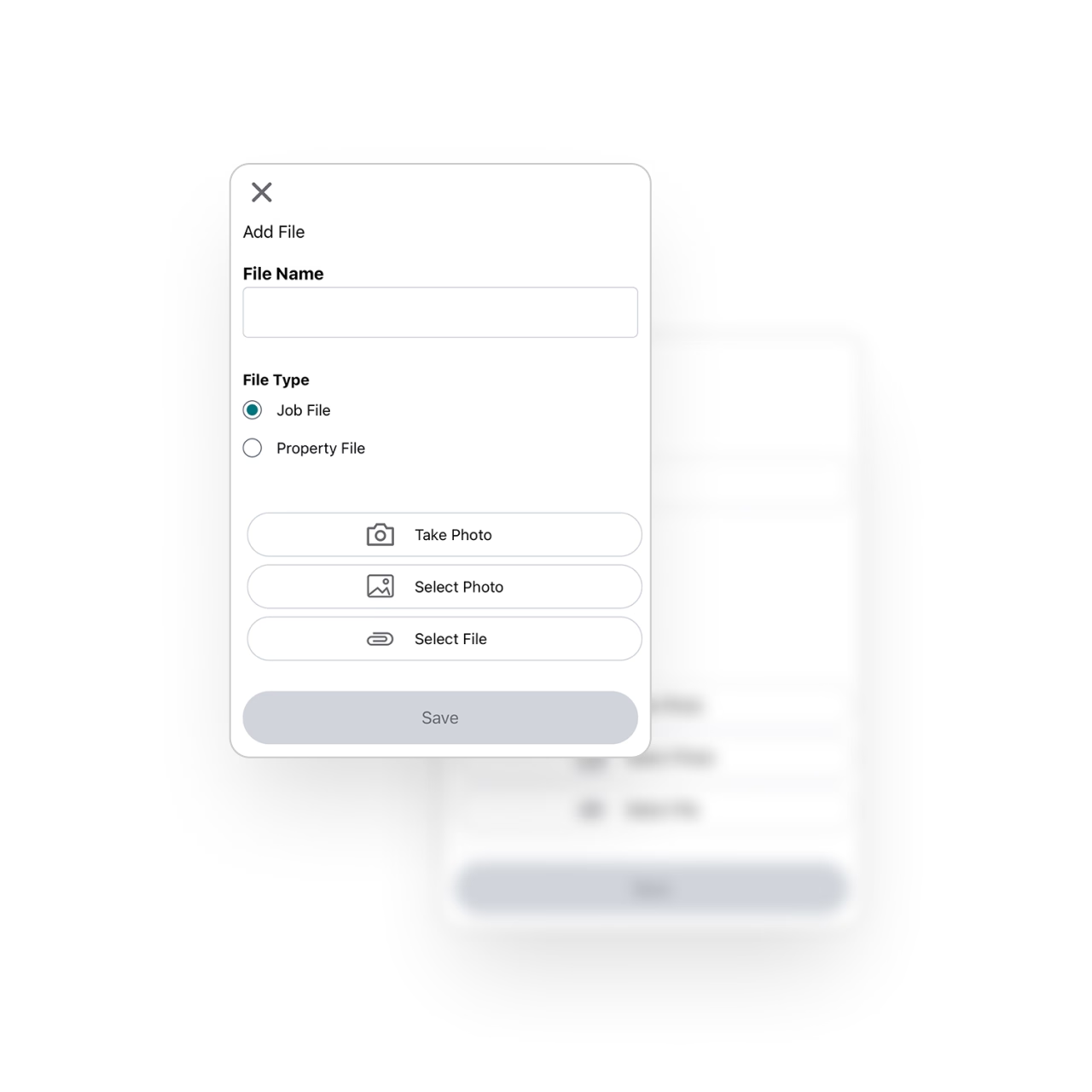
Essential makes documentation effortless. Technicians can take photos, record deficiencies, and add notes directly from the app, ensuring nothing gets missed or left to memory.
Everything captured is neatly organized and ready for the final report the moment the inspection is complete.
Keep working even without internet
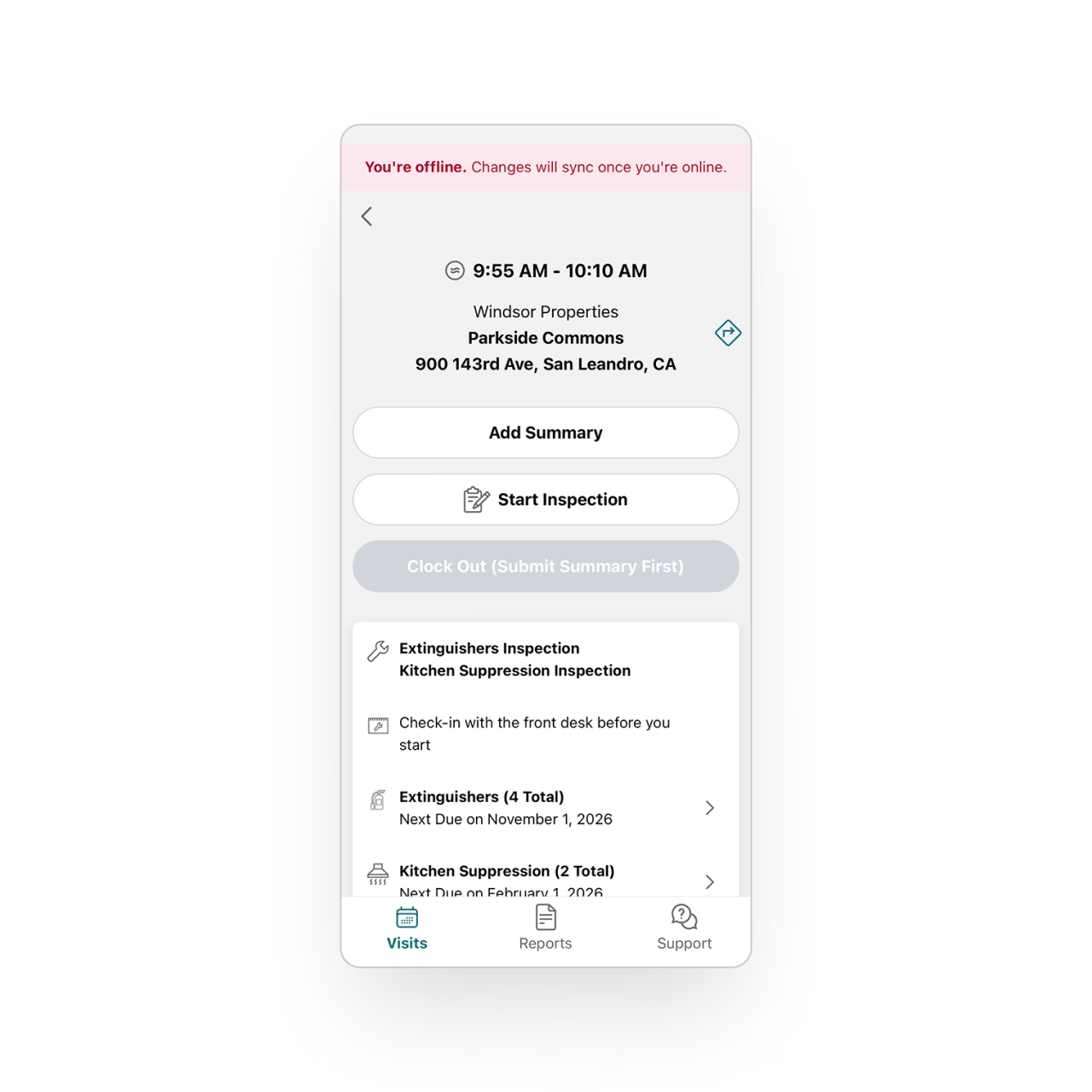
Field environments don’t always have reliable connectivity, so the Technician App is built to keep going even offline.
Technicians can complete inspections, take photos, and enter all required information without service. As soon as a connection is restored, everything syncs automatically, ensuring nothing is lost and no one is blocked.
Stay in sync with the office
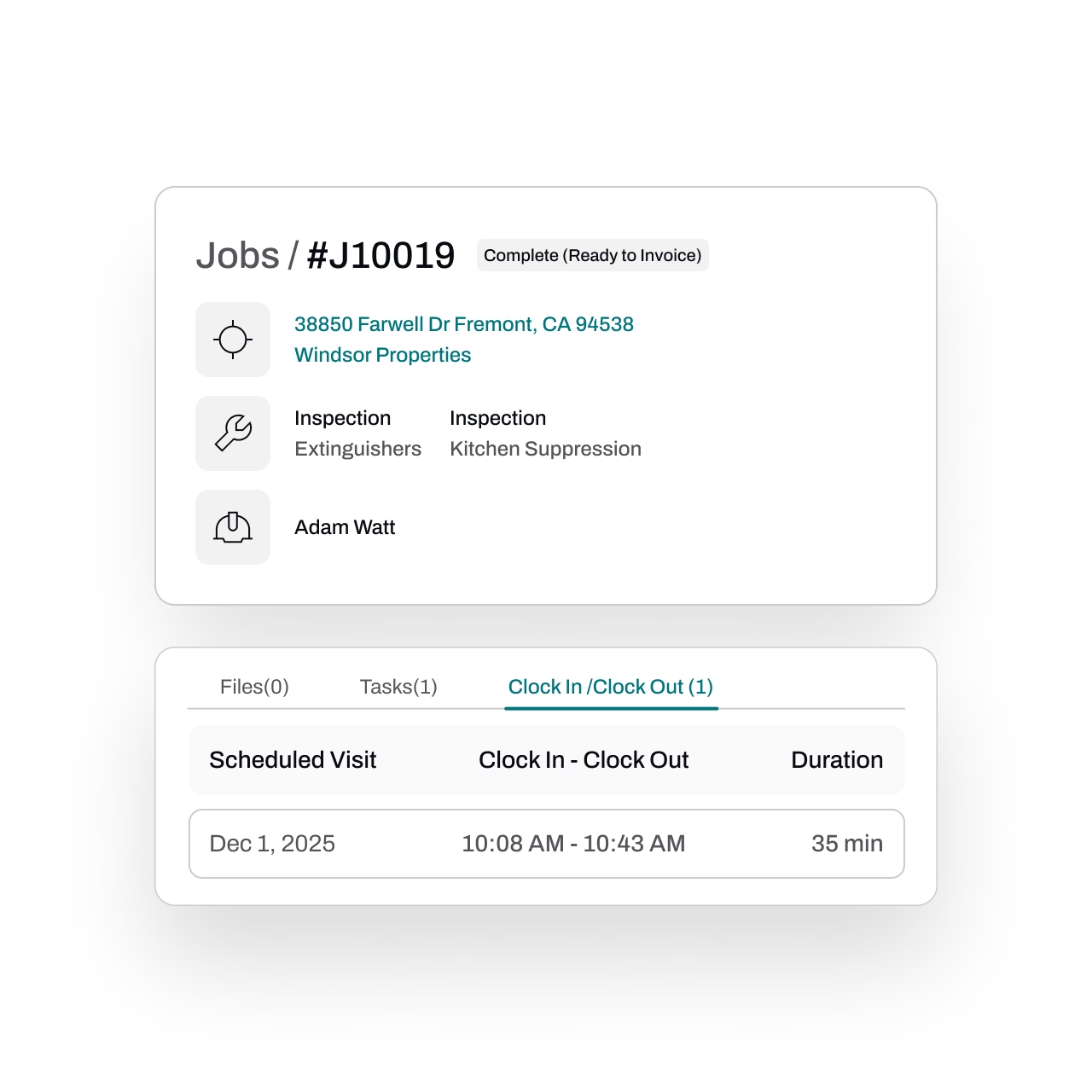
As technicians work, all updates flow instantly to the back office.
Dispatchers and admins can follow progress in real time, review results, and prepare next steps without waiting for paperwork to come back.
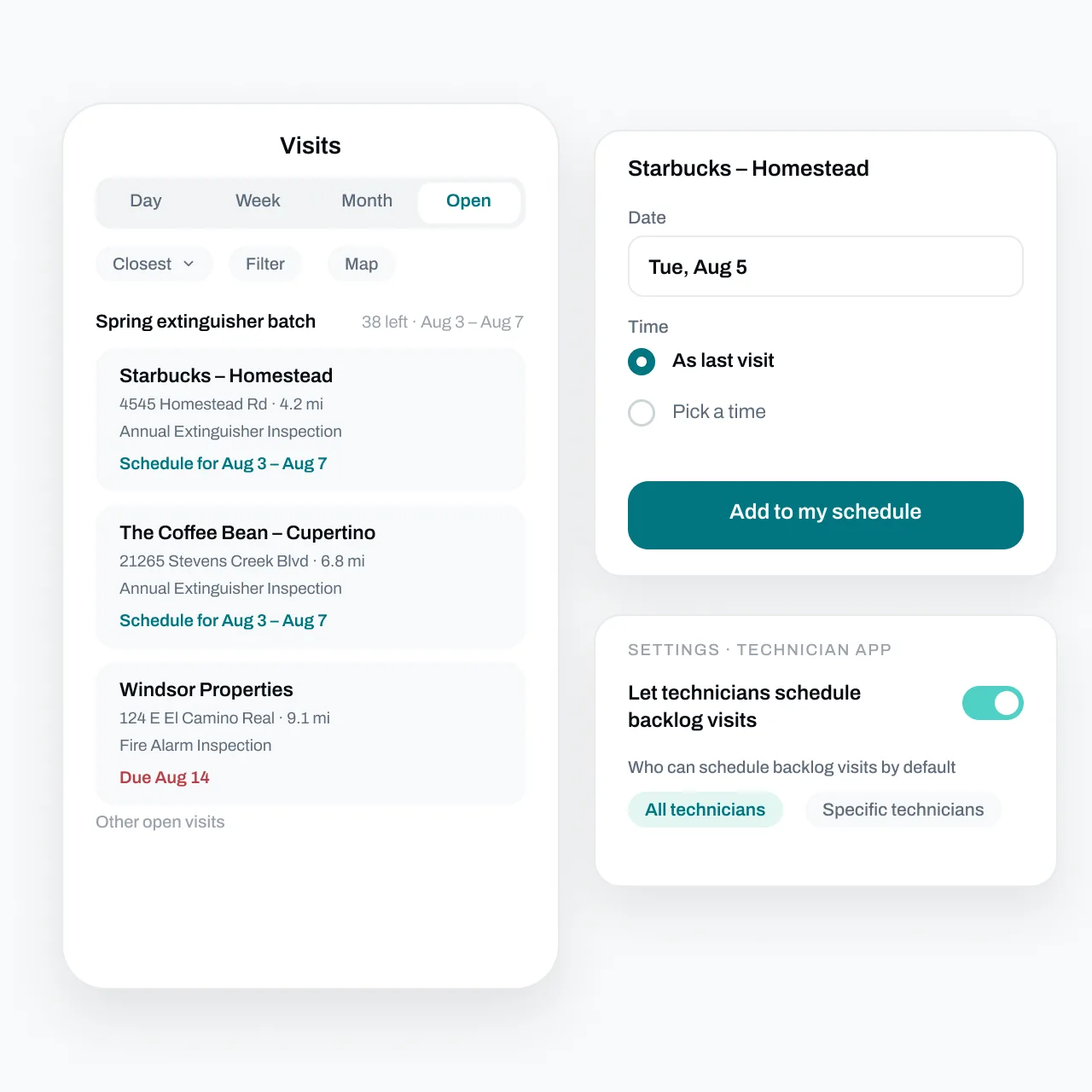
Let techs schedule themselves
Turn it on and allowed technicians see the business's open backlog visits in the app, sorted by distance or due date, and book one onto their own schedule.
The office decides who's allowed: everyone, specific technicians, or no one - and can override it per visit.
FAQs
Got questions? We've got answers.
Essential's technician app gives field techs a clear view of their daily schedule with up to 30 days of visibility ahead. For each job, they can access property details, asset information, and past inspection history — plus capture photos, record deficiencies, and add notes, all from their mobile device. It's designed to put everything a technician needs for the job in one place.
Yes. Essential's app is fully functional offline, so technicians can complete inspections, document deficiencies, and capture photos even in basements, mechanical rooms, or remote locations with no cell signal. When connectivity returns, all data syncs automatically to the back office — nothing is lost.
As technicians clock in, complete tasks, and log findings, updates flow instantly to dispatchers and office staff through real-time syncing. This means your office team can follow progress, review results, and prepare next steps — like generating quotes for deficiencies — without waiting for paperwork or end-of-day check-ins.
Yes. Essential's field app is available as a native application on both iOS and Android, phone or tablet, so it works on whatever devices your technicians already carry. Native apps ensure reliable performance, smooth offline functionality, and a consistent experience across your team.
They can. Essential displays previous inspection data, asset details, and property information for every job, so technicians walk in already knowing what to expect. This context helps them work more efficiently, spot recurring issues, and deliver a more informed, professional service to the customer.